
Create a basic project from an existing project
Creating and using a basic project based on company ePLAN standards ensures that every project starts with the correct structure, naming rules, and documentation settings, providing consistency and efficiency throughout the design process.
let's say you have an existing project where you have defined a project structure according to your company standards or according to your customer requirements and you also have a plot frame, title page and other forms such as a terminal diagram and parts list defined and created within that project.
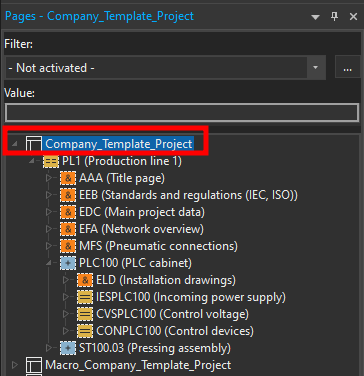
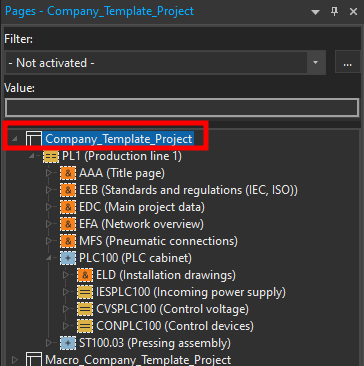
You can create a basic project from an existing project by selecting the project that you would like to create a basic project from in the page navigator.
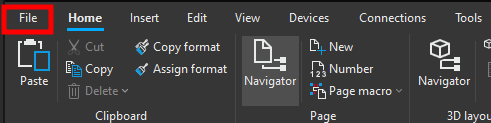
Then click on File.
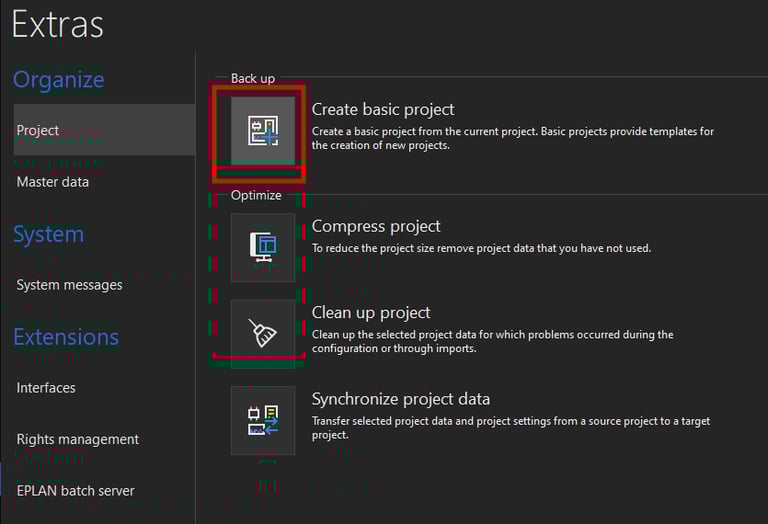
Now click on Extras.
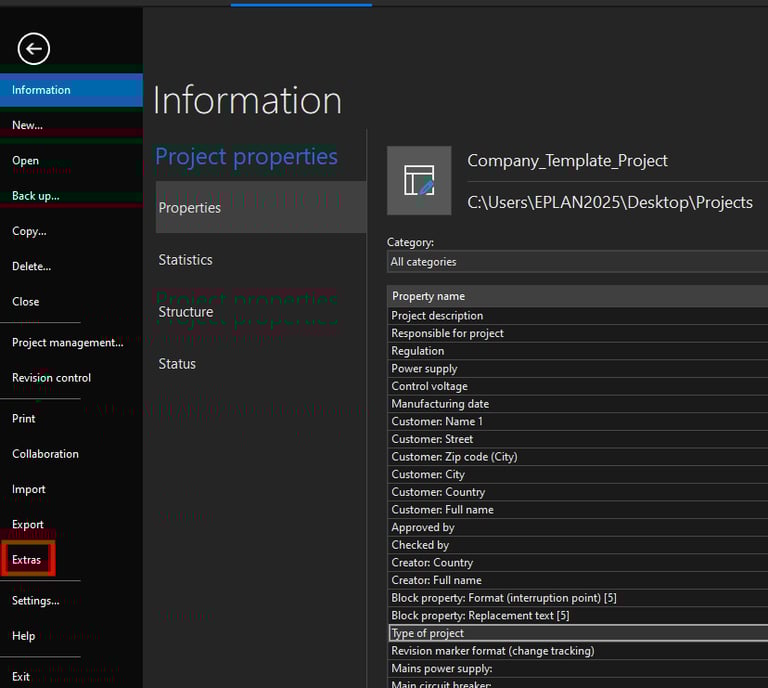
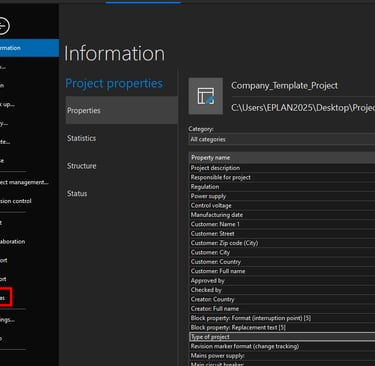
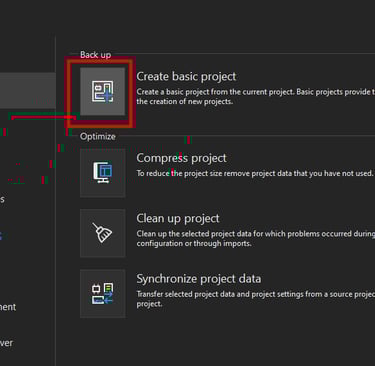
Now click on the Create basic project command.
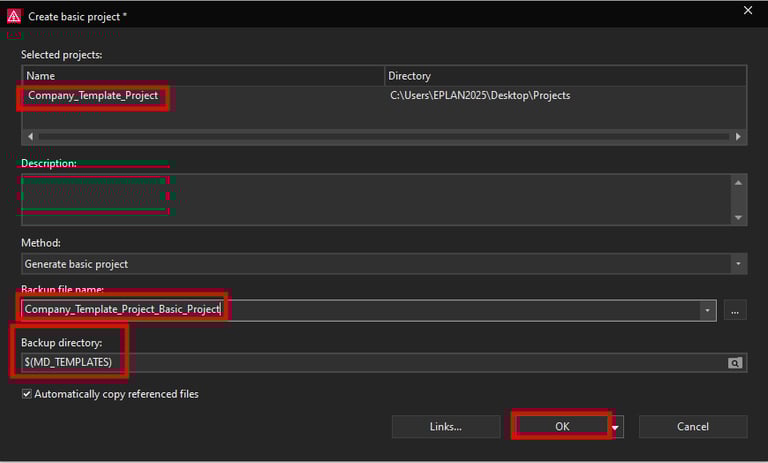
Now the Create basic project window will open. In this window you can see the selected project and you can select the backup directory where you want to save this basic project to.
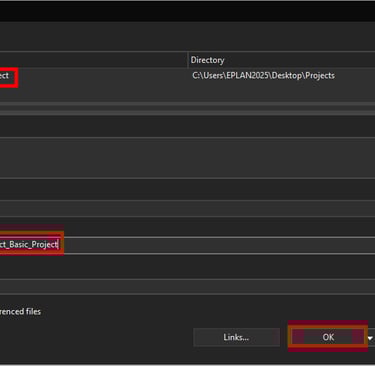
You can also give the basic project a name by changing the Backup file name of the project. In this case we will name this basic project Company_Template_Project_Basic_Project. Lastly click on the OK button to create the basic project.