
ePLAN Structure settings
Structure settings in ePLAN define how a project, its pages, and all technical objects (devices, terminals, PLCs, cables, etc.) are logically organized and identified. They determine how identifiers are built, how documentation is structured, and how components are grouped throughout the project. EPLAN structure settings are based on standardized identification principles, typically according to IEC 81346, and use structure identifiers to describe:
What a component does (function)
Where it is located (installation or location)
How it is assigned or grouped (product or higher-level system)
What Structure Settings Control and define:
How device tags are generated
How pages are structured and grouped
How cross-references are created
How reports (BOM, terminal lists, cable lists) are organized
How automation and PLC structures are aligned with documentation
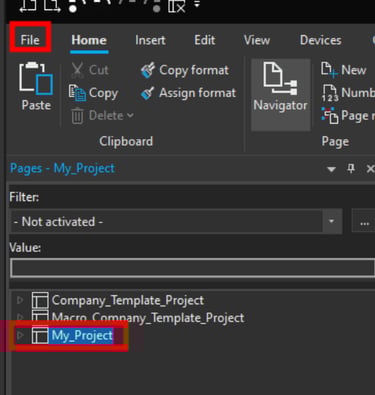
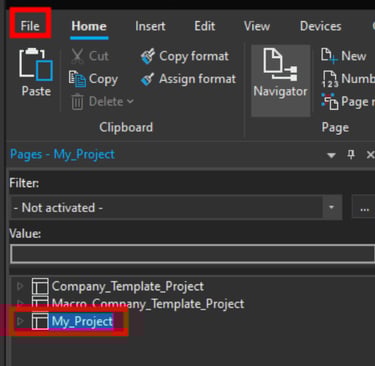
To modify ePLAN structure settings select the project in the page navigator and click on File.
Now click on Structure.
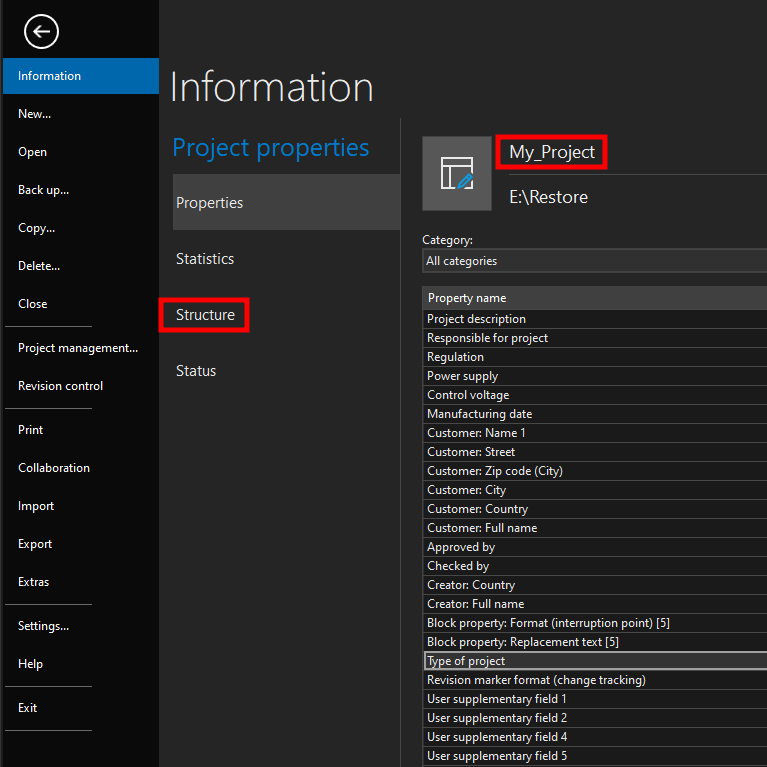
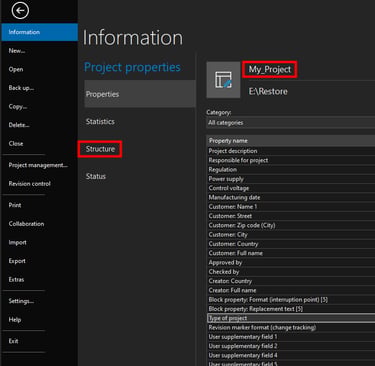
Now you can see all of the elements and devices on which you can change structure settings.
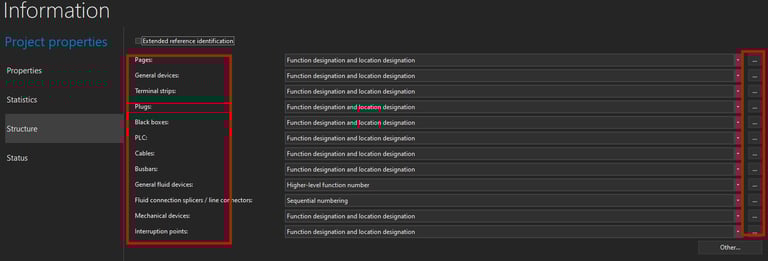
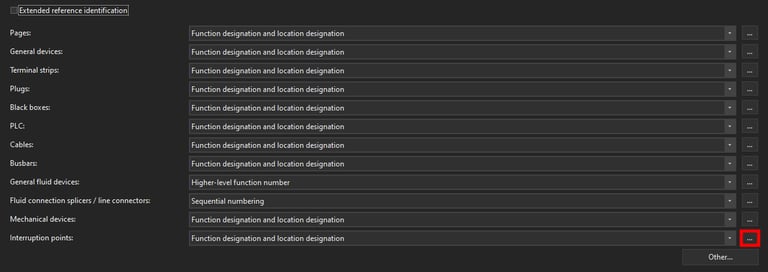
In this example we will demonstrate how to change structure settings for Interruption points. Click on the three dots to the right of the element whose structure you want to change in this case Interruption points.
Now the Device structure window will open. In this window you can access some of the predefined structure settings under Scheme: However you can also change how interruption points structure is defined by changing each of the structure individual settings.
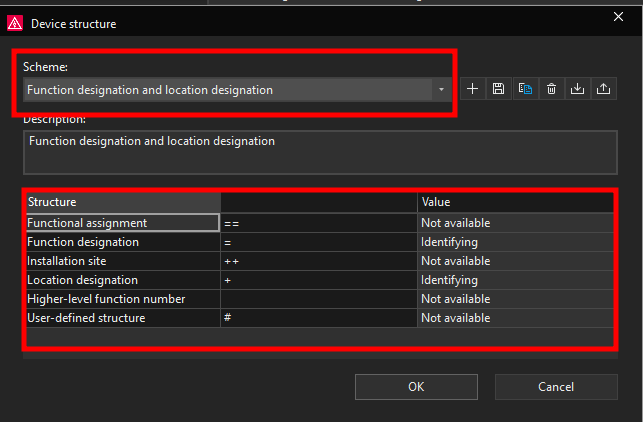
The available structure value options are Not available, Identifying, and Describing.
Not available
When a structure aspect is set to Not available, it is disabled for the project.
The structure identifier is not used
No values can be assigned
It does not appear in device tags, pages, or reports
Suitable when a structure aspect is not relevant for a project or company standard
Identifying
When set to Identifying, the structure identifier becomes part of the unique identification of objects.
The identifier contributes to device tags and page identifiers
It affects numbering, cross-references, and reports
Each value must be unique within its scope
Changes may cause renumbering of devices
Describing
When set to Describing, the structure identifier is used for documentation and clarification only, not for unique identification.
The identifier provides additional information
It does not affect device tag uniqueness
Values may be reused
Changes do not trigger renumbering